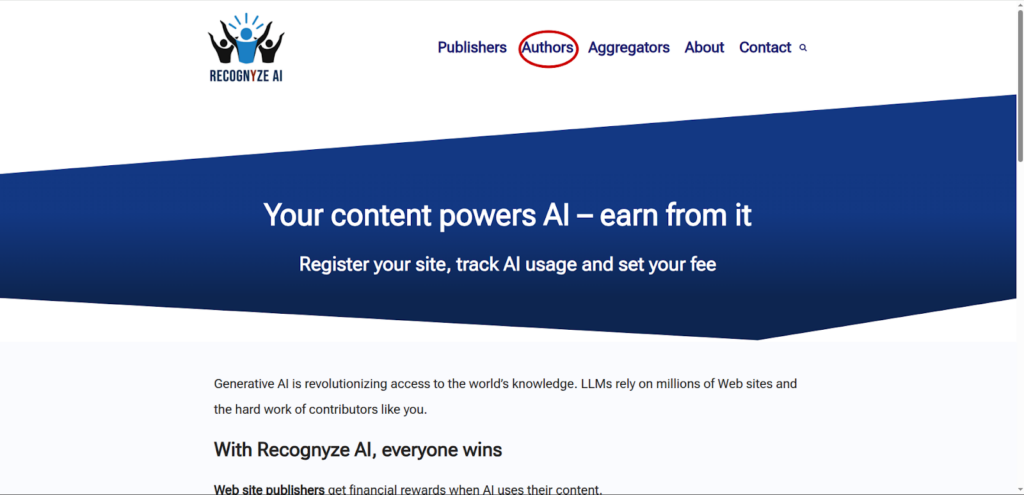
Go to recognyze.ai and click on the “Authors” link as shown below:
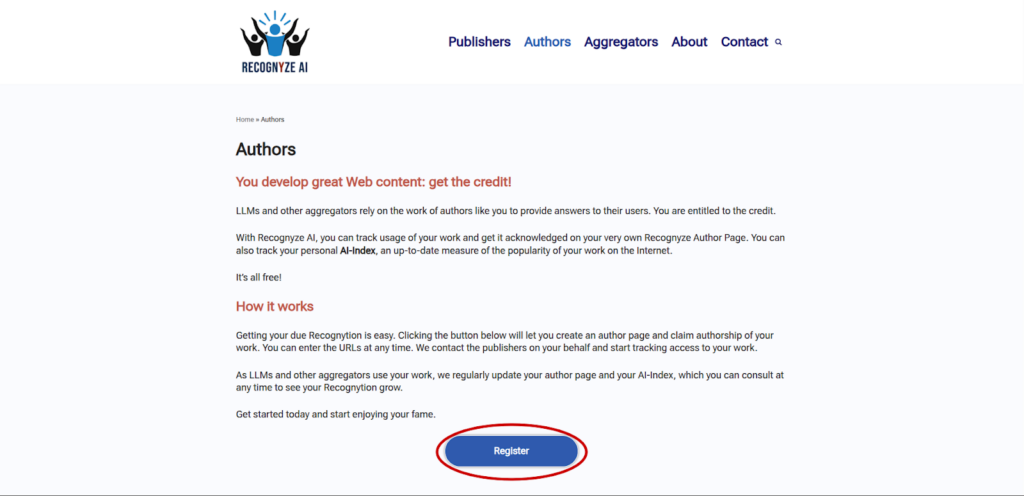
Afterwards, click on “Register”:
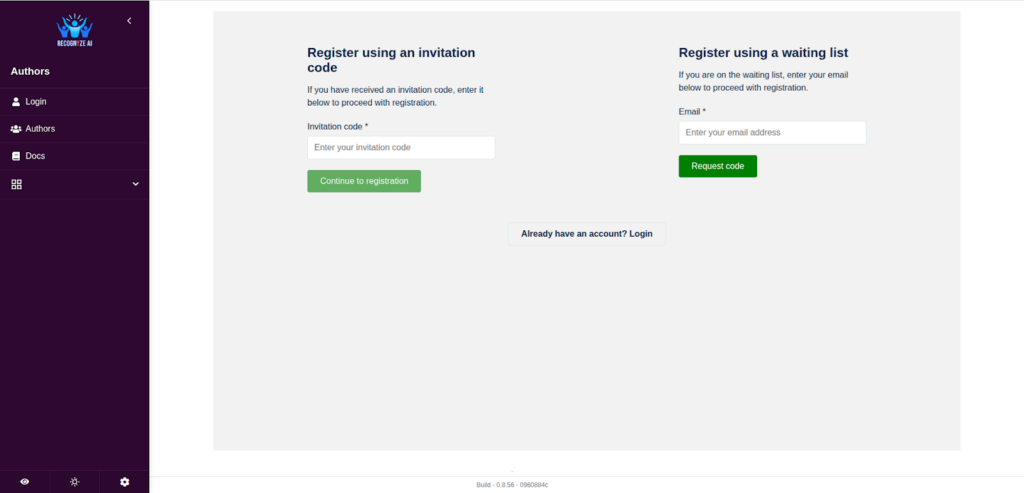
Here you can either type in your invitation code, if you have one, or sign up for the waiting list using your email address:
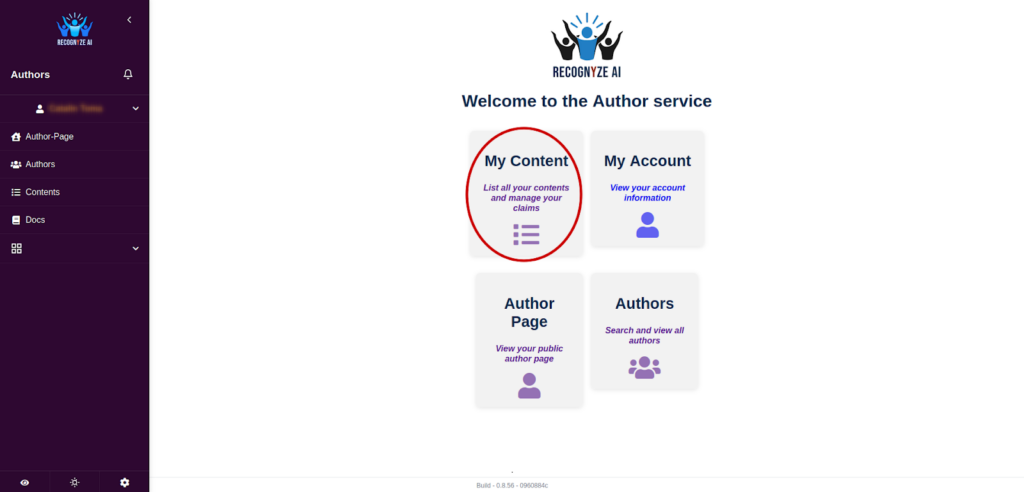
Once you’re logged in, you can recognize your content, view your public author page, search through the list of authors and see and modify information related to your account. Let’s check out the “My Content” section:
Here you can claim new content to be Recognyzed and check the status of content you have already claimed. To claim new content, click on the green “Claim Contents” button:
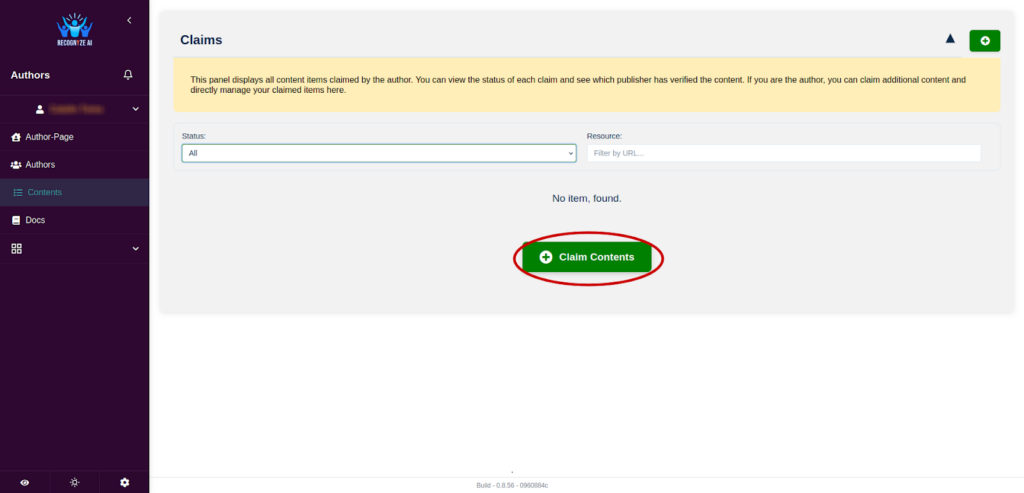
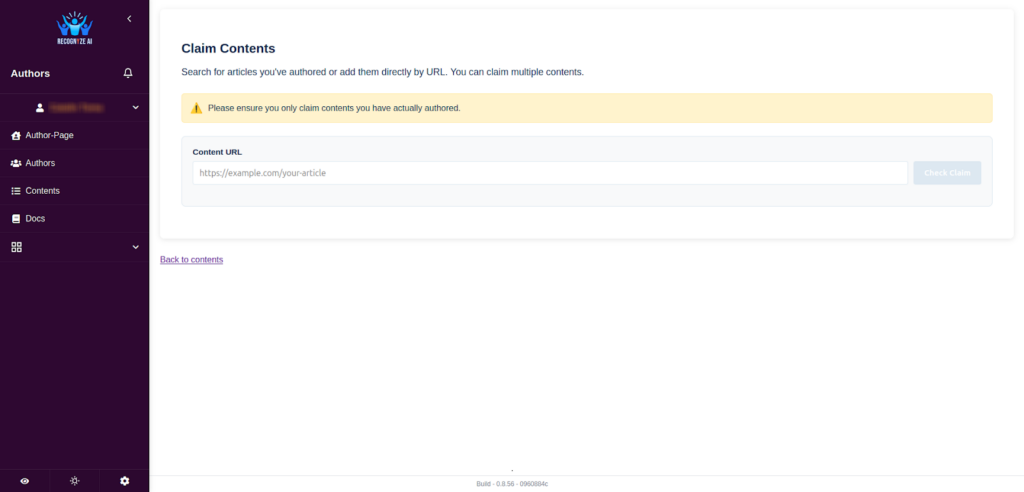
You will be taken to a new page, where you can enter the URL of the page with the content you want to claim:
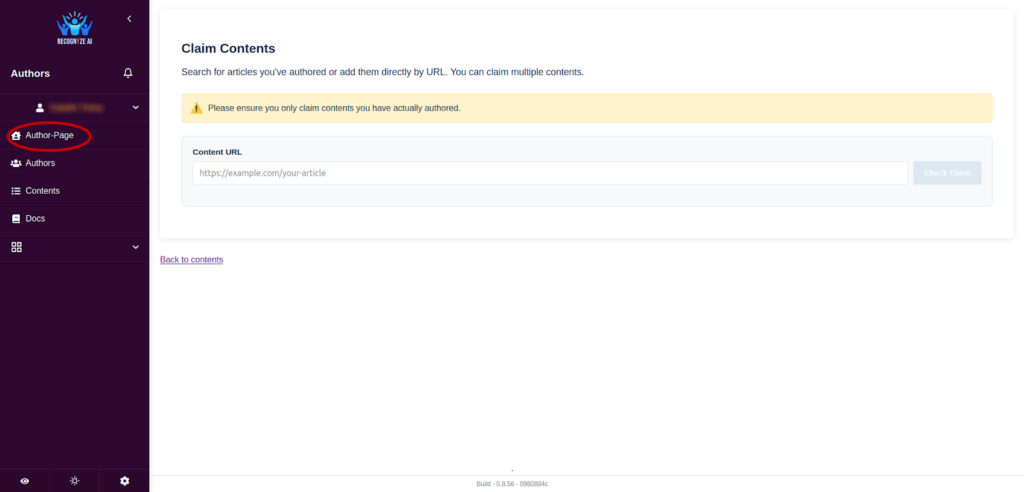
Let us now take a look at your Author Page. You can access this directly from the sidebar:
On your Author Page, you can view statistics related to your AI index. You can read more about the AI index here. You can also edit your profile information by clicking the Edit Profile button:
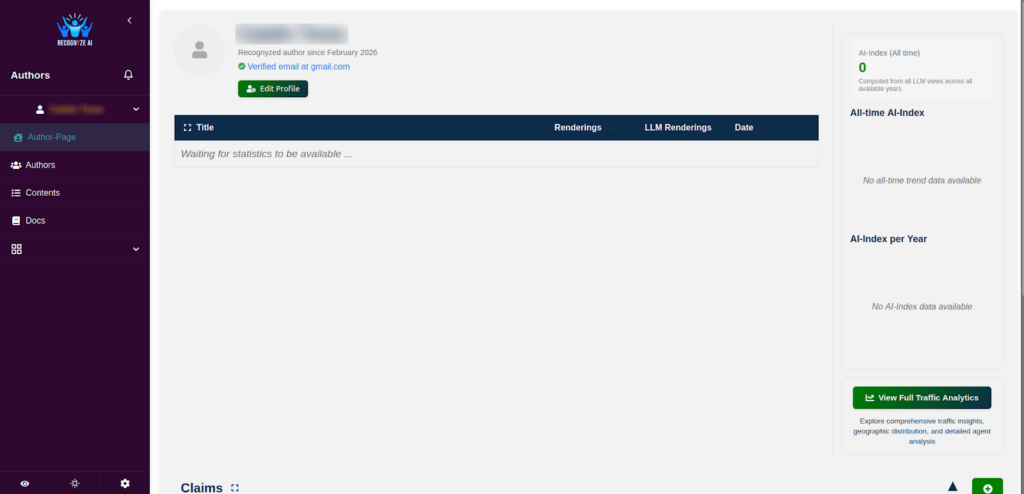
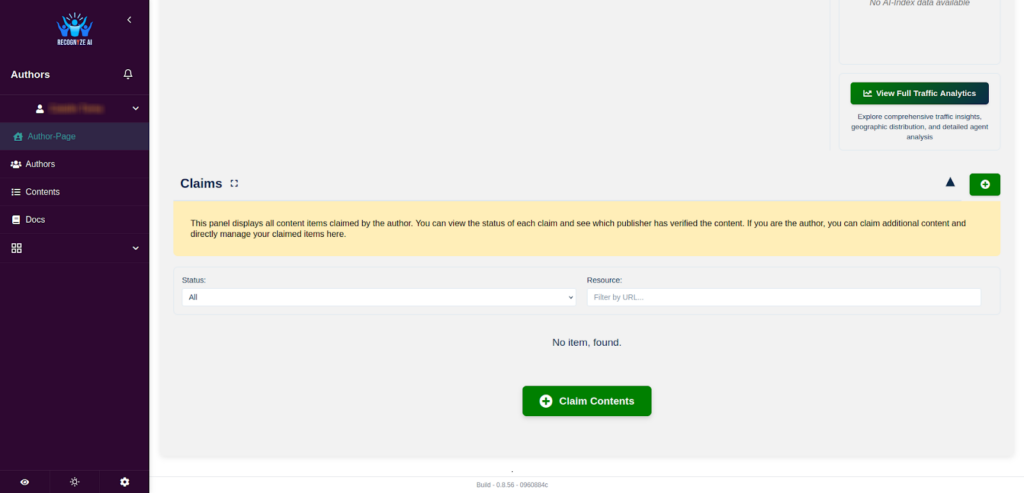
At the bottom of the page, you can once again claim your content. You can do so by pressing the Claim Contents button, or by pressing the green button with the + sign:
This concludes our basic guide for authors. For more detailed information, questions or feedback, please go to the contact form.