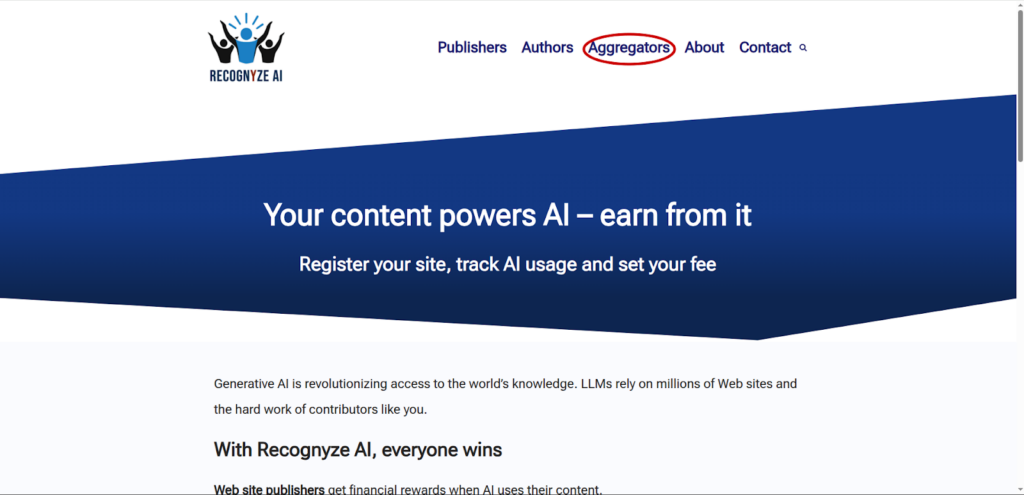
Go to recognyze.ai and click on the “Aggregators” link as shown below:
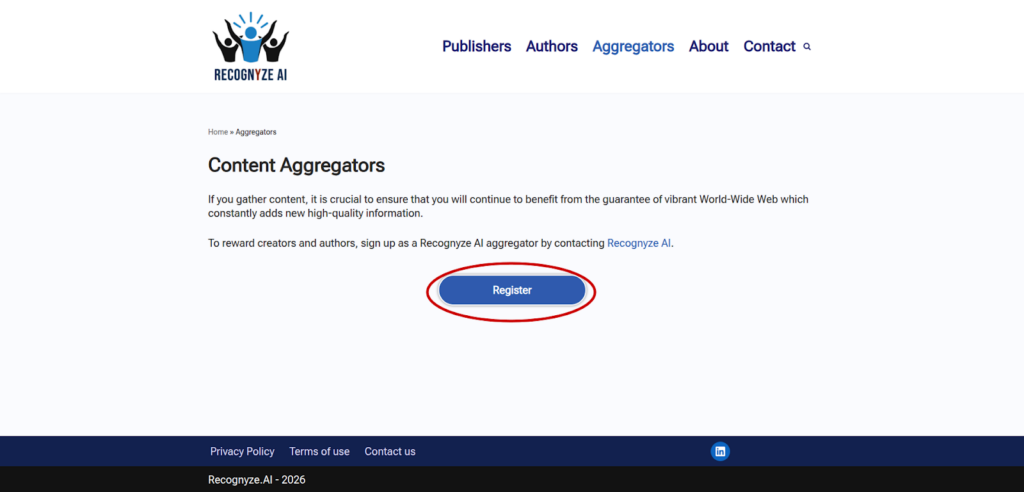
Afterwards, click on “Register”:
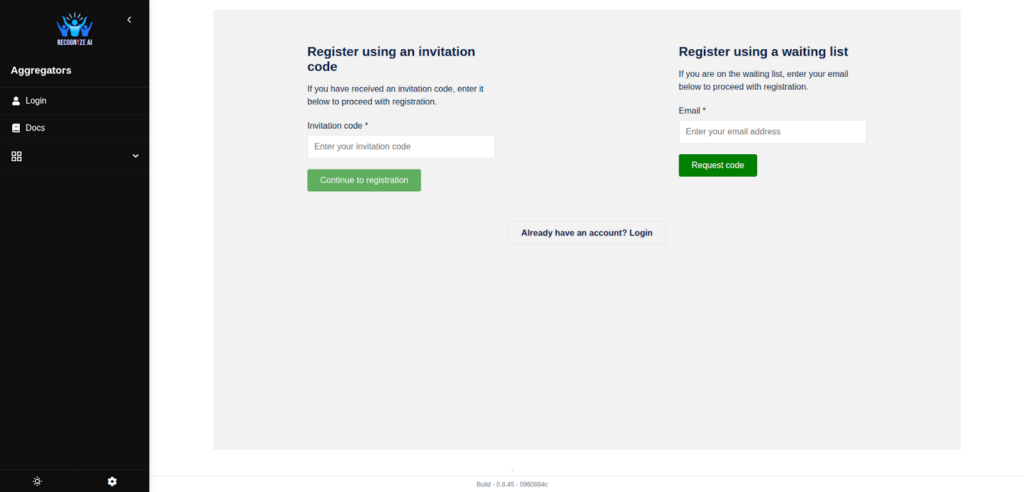
Here you can either type in your invitation code, if you have one, or sign up for the waiting list using your email address:
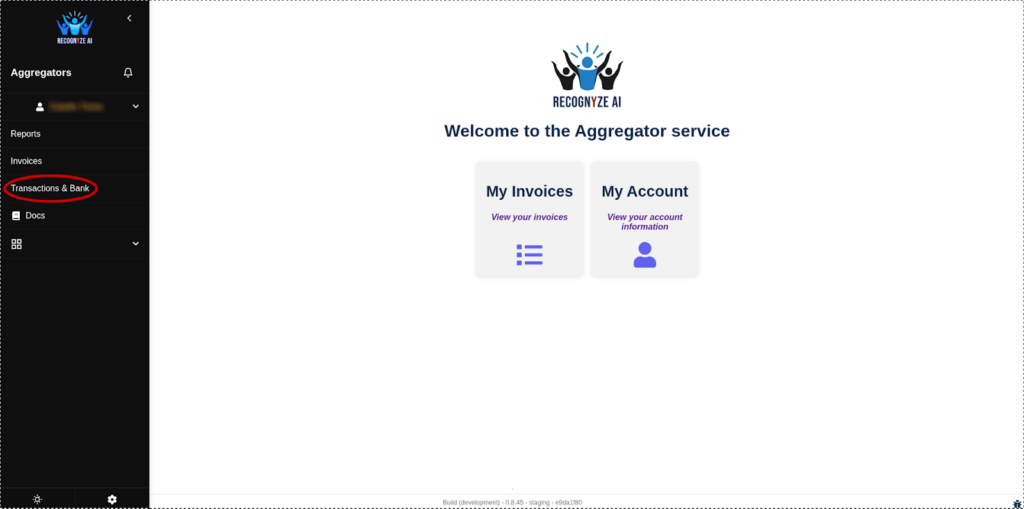
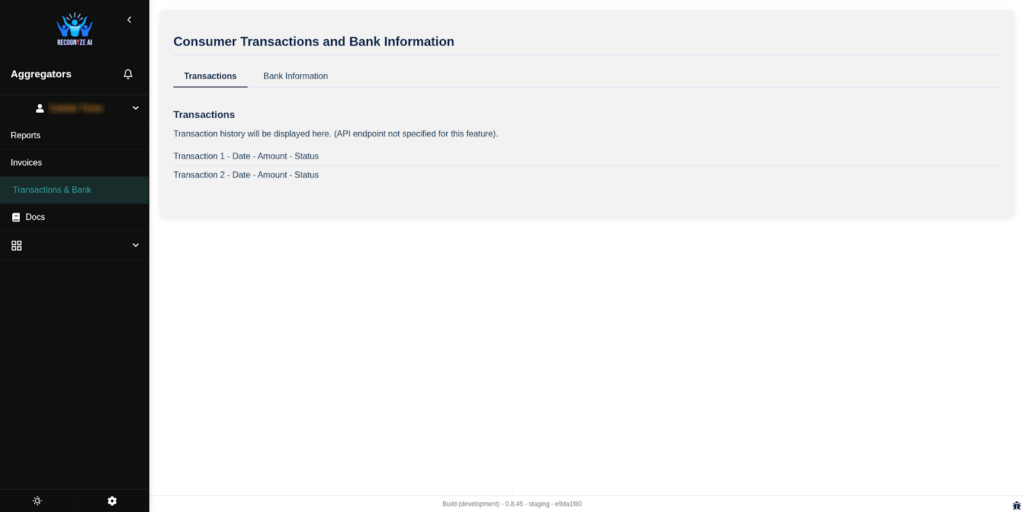
Once you are logged in, you can view information about your bank, your invoices, and your consumption reports. To take a look at your bank your information, click on Transactions and Bank on the sidebar:
In the Transactions tab you can view a history of your transactions:
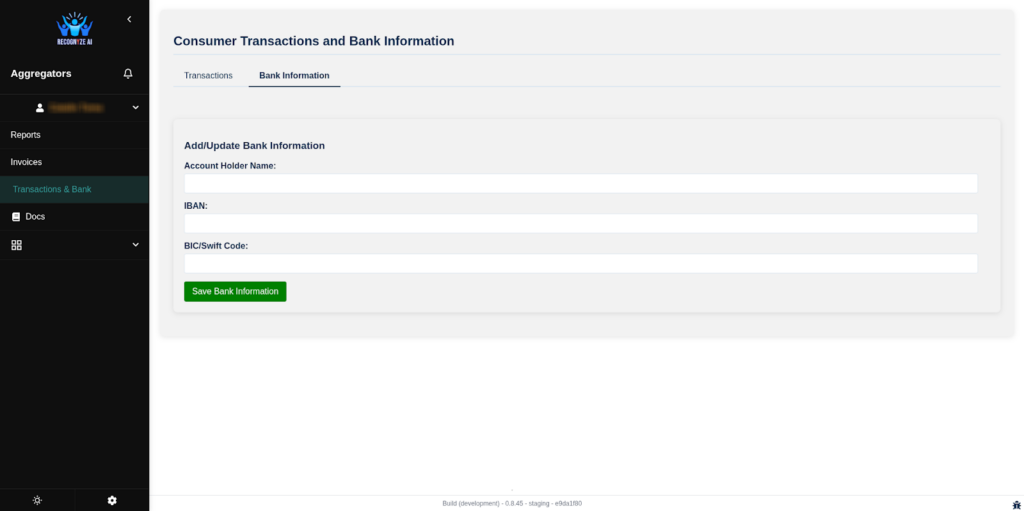
In the Bank Information tab you can input your bank details:
This concludes our basic guide for publishers. For more detailed information, questions or feedback, please go to the contact form.